

Tutorials
Learn the basics


Test app.


To keep search results up to date, auto sync runs whenever you add or change a product in your catalog. You can check the sync history in settings.
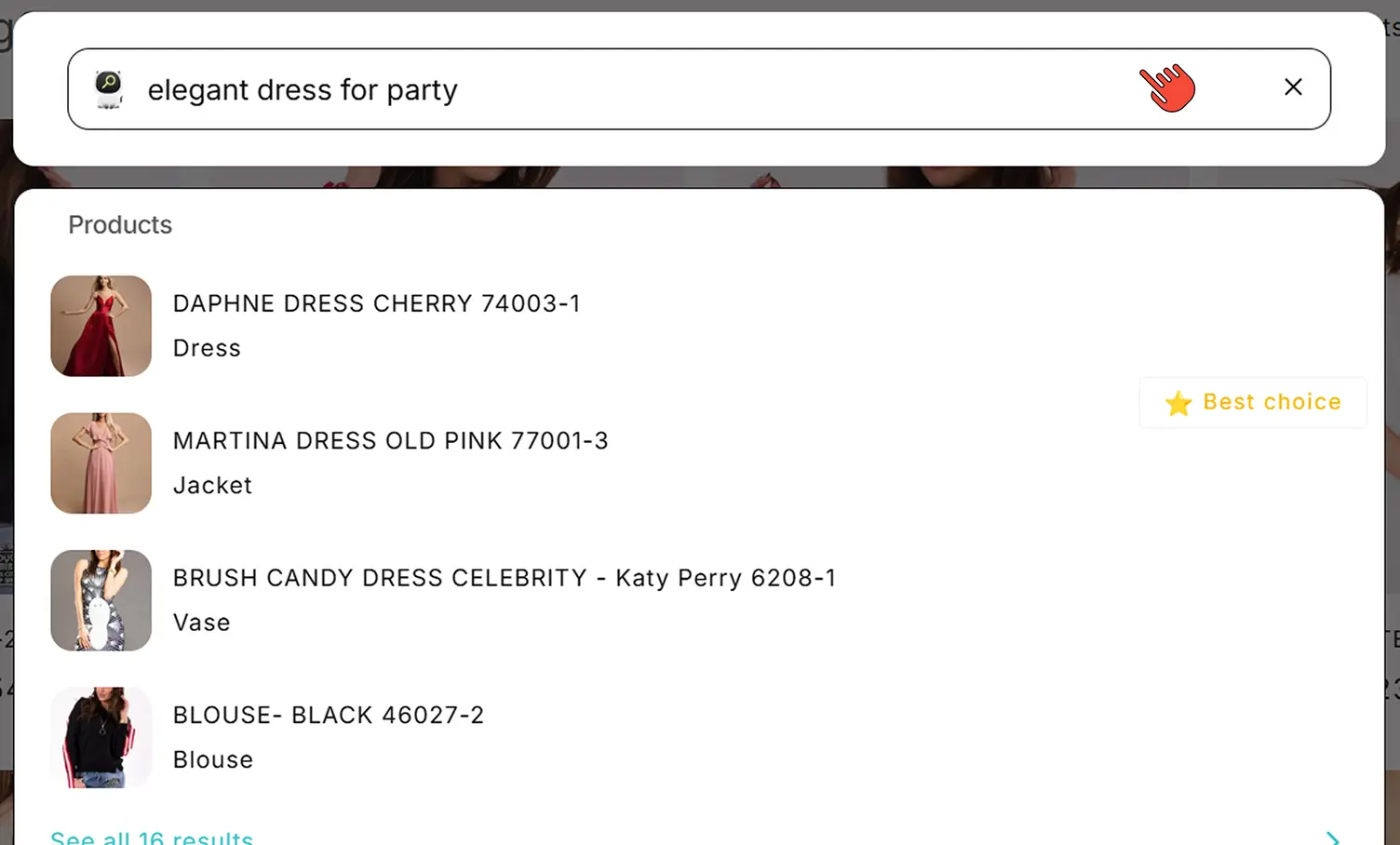
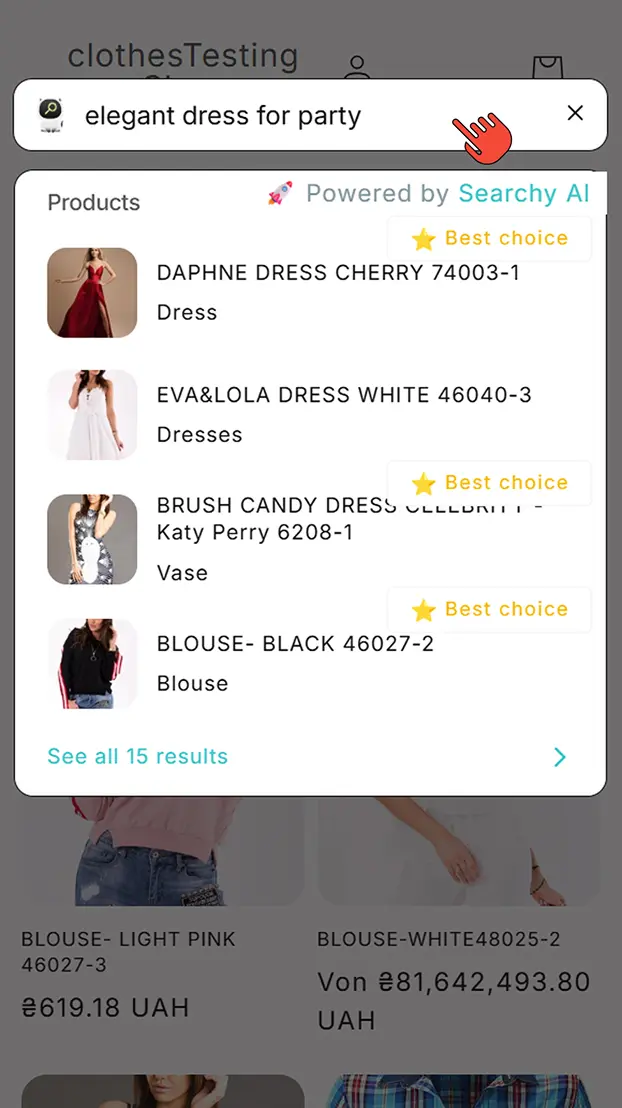
- Step 1Click search icon in header
To keep search results up to date, auto sync runs whenever you add or change a product in your catalog. You can check the sync history in settings.
- Step 1Click search icon in header